How to Replace Your Content Manager with an AI Assistant
How Mia Handles replaces a traditional content manager — handling writing, publishing, and scheduling across WordPress, Drupal, and Bitrix from a single Telegram chat.
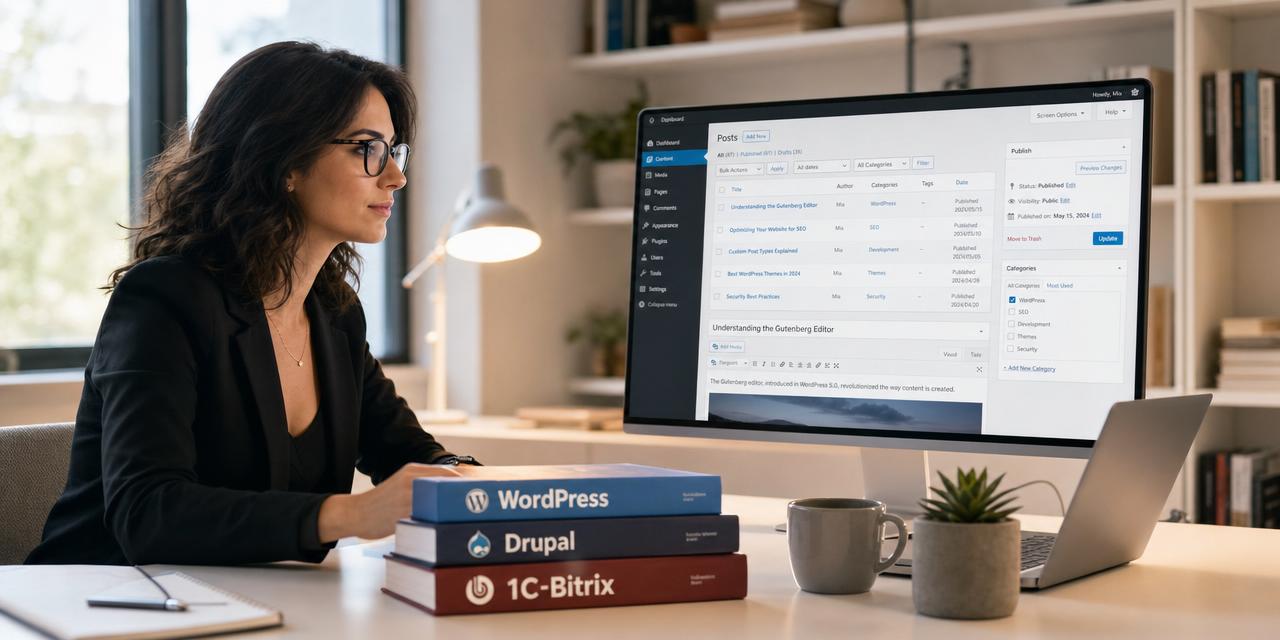
How to Replace Your Content Manager with an AI Assistant
Finding and keeping a reliable content manager is hard. They need to write posts, schedule publications, handle SEO, juggle multiple CMS dashboards, and keep everything consistent — across WordPress, Drupal, Bitrix, or anything else your business runs on.
But what if one AI assistant could do all of that — from a single Telegram chat, without switching browser tabs?
Meet Mia Handles — an AI secretary that connects to your CMS via Model Context Protocol (MCP) and replaces an entire content management workflow.
What a Content Manager Actually Does
A content manager typically handles:
- Writing and editing blog posts and articles
- Publishing and scheduling content
- Updating images and media files
- Managing categories, tags, and SEO metadata
- Coordinating across multiple CMS platforms
- Keeping an editorial calendar
That is a lot of cognitive overhead — and the moment you lose context, mistakes creep in.
What Mia Can Do Instead
Mia is not a chatbot you copy-paste into WordPress. She talks directly to your CMS via MCP. When connected, you can send her a message in Telegram and she:
- Writes the post in Markdown
- Uploads images and sets the cover
- Fills in SEO metadata (title, description, keywords)
- Publishes or schedules the post
- Works across WordPress, Drupal, and 1C-Bitrix — all from the same conversation
Here is what she can do in practice:
"Write a 1500-word post about our new product launch, schedule it for Thursday at 14:00, add these three keywords for SEO, and set the cover image from the photo I just sent."
That is one message. No dashboards. No context switching.
How to Connect Mia to Your CMS
Mia already ships with ready-to-use MCP adapters for the three most popular platforms. Each guide walks you through the full setup — from installation to the first post published through Telegram.
WordPress
How Mia Works with WordPress: A Practical Setup Guide
Covers: plugin installation, endpoint configuration, bearer token, connecting Mia, first test command.
Drupal
How Mia Works with Drupal: A Practical Setup Guide
Covers: module activation, exposing MCP endpoint, connecting Mia from Telegram, publishing first content.
1C-Bitrix
Best AI Companion for Bitrix CMS: Connect Mia via MCP
Covers: installing hiweb.site_mcp, generating bearer token, connecting Mia, managing iblocks and news.
All three guides follow the same pattern: install the module, expose a secure endpoint, paste credentials into Mia — and you are done.
A Day in the Life with Mia as Your Content Manager
Here is a realistic example of how Mia handles a full content workflow:
8:00 — Plan the day
You send Mia a quick voice note in Telegram:
"Plan four posts this week. Monday — product update, Wednesday — tutorial, Friday — case study."
Mia creates the editorial calendar, drafts outlines, and adds them to your shared schedule.
10:00 — Write and publish
"Write the product update post for Monday. Use the blog post from last December as a reference, add these three images, and schedule it for 9:00 AM."
Mia writes the Markdown, uploads the images via MCP, sets SEO metadata, and schedules the publication — all from Telegram.
13:00 — Update the homepage
"Add the new case study link to the WordPress homepage banner and update the Bitrix news widget."
Mia handles both updates in one message — switching between CMS platforms without you lifting a finger.
17:00 — Review and adjust
"Show me this week's scheduled posts and the traffic report from the last post."
Mia returns a clean summary. You tweak one headline, reschedule one post, and you are done for the day.
What Mia Brings to the Table
Compared to a traditional content manager, Mia offers:
- Speed — posts are drafted and published in minutes, not days
- Consistency — same voice, same formatting, same SEO rules every time
- Multi-CMS — WordPress, Drupal, and Bitrix from one chat
- Availability — Mia works 24/7, no time zones, no burnout
- Cost — a fraction of a full-time content manager's salary
- Context — she knows your calendar, tasks, files, and previous posts
Wrapping Up
A content manager's job is repetitive, context-heavy, and easy to automate with the right AI. Mia Handles turns your CMS into a conversational workspace — so you can focus on strategy, not on moving posts between dashboards.
The future of content management is not another plugin or another SaaS dashboard. It is a conversation.